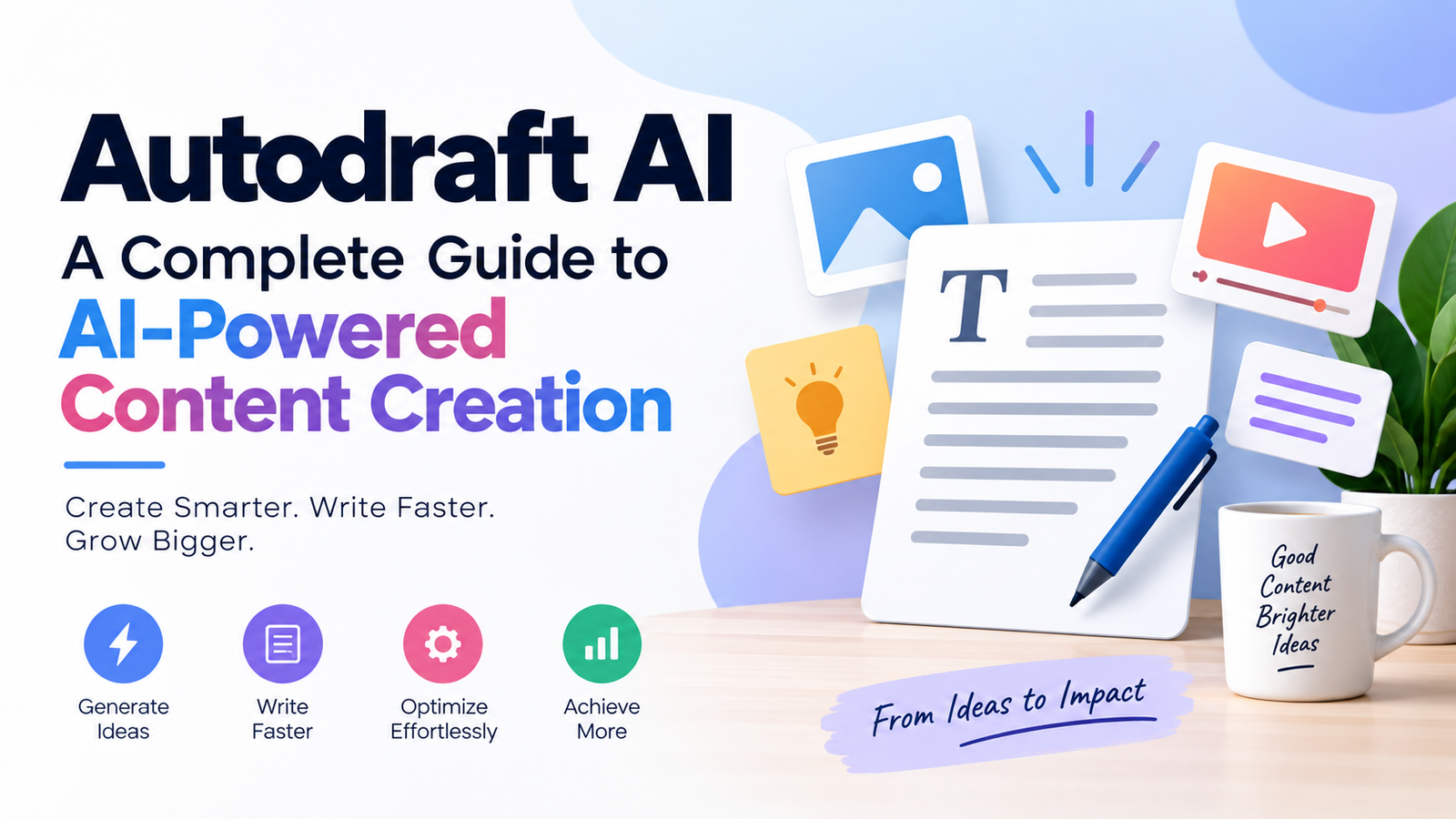
Autodraft AI is an AI-powered creative platform designed primarily for storytellers, YouTubers, animators and digital creators who want to produce visual content more efficiently. Rather than focusing only on AI-written text, the platform brings together tools for generating characters, backgrounds, voiceovers and animated videos. Its current video workflow can take an idea or script through storyboarding, scene generation, voiceover and editing in one environment.
For creators who normally switch between several applications to build an animated story, Autodraft AI aims to simplify the process. However, AI still works best as a production assistant rather than a substitute for human creativity, fact-checking and final quality control.
What Is Autodraft AI?
Autodraft AI is a browser-based creative platform from All Bots Technologies Pvt Ltd. Its official website describes it as an AI animation tool built for YouTubers and storytellers. The platform focuses on generating consistent visual assets and turning them into finished animated content.
It should not be confused with similarly named tools on the web that concentrate primarily on written blog or social-media content. The Autodraft AI covered in this guide is the animation and visual-content platform available through Autodraft AI’s official website.
Its toolset includes AI-assisted creation of backgrounds and characters as well as voice generation, animation controls and editing capabilities. Autodraft also offers workflows such as text-to-image, storyboard-to-image and image stylization.
How Does Autodraft AI Work?
The basic concept is straightforward: creators provide an idea, script, prompt, storyboard, sketch or visual reference, and AI assists with converting that material into production-ready creative assets.
For full video creation, the official workflow can be summarized in three stages. First, the creator writes or imports a script. Autodraft can then generate elements such as scenes, characters, voice and storyboards while trying to maintain visual consistency. Finally, users can customize the result through editing tools that include a timeline, effects, text, assets and audio.
This makes the platform especially relevant to creators producing recurring characters or story-based YouTube videos.
A typical workflow might look like this:
- Develop an idea or prepare a script.
- Choose an appropriate visual style.
- Generate characters and backgrounds.
- Build individual scenes.
- Add AI-generated voices or narration.
- Animate characters and adjust expressions.
- Add props, effects and other assets.
- Review the timeline and correct inconsistencies.
- Export the finished project for the intended platform.
The exact tools available can vary depending on the feature or plan being used.
Key Autodraft AI Features
AI Character Generation
One of Autodraft AI’s central features is character creation. Users can describe a character through prompts and use AI to produce visual assets for an animated project.
Character consistency is particularly important for storytelling. If the appearance of a protagonist changes noticeably between scenes, viewers can quickly lose immersion. Autodraft therefore emphasizes maintaining characters across different scenes in its video-generation workflow.
This can be useful for cartoon channels, educational stories and recurring online series.
AI Background Generation
Creating a new background manually for every scene can be time-consuming. Autodraft’s text-to-image feature allows creators to describe the required environment with a prompt and generate backgrounds from that description.
According to the platform, its tools are designed to generate backgrounds in consistent styles. Background creation can also incorporate storyboards, sketches and reference material rather than relying exclusively on text prompts.
That flexibility can help when creators already have a rough composition in mind.
Storyboard-to-Image Tools
Storyboards are useful for planning how a story will appear before committing to detailed production.
Autodraft provides storyboard-to-image functionality alongside its other image-generation workflows. Instead of manually redrawing a rough storyboard into polished artwork, creators can use AI to help transform planning material into more developed visual assets.
This can shorten the distance between initial planning and actual production.
AI Voiceovers
Voice acting can be another significant part of animated-content production. Autodraft includes AI voiceover generation and advertises a large selection of voice presets.
AI voices can be useful for narration, character dialogue, educational videos and prototype projects where recording every line manually would slow production.
Creators should still listen carefully to generated speech before publishing. Names, unusual words, emotional dialogue and punctuation can sometimes require manual adjustments.
Animation Controls
Generating a character is only part of animation. The character must also move, react and interact with the scene.
Autodraft advertises more than 1,000 action controls as well as more than 100 expressions and lip-syncing options. It also provides controls involving props, primary animation and secondary animation.
These controls give creators more flexibility than a workflow that simply converts a prompt directly into an uneditable final clip.
Editing Tools
AI-generated material often needs refinement.
Autodraft includes editing capabilities such as effects, chroma key and layer management. Its video maker also provides timeline-based customization for scenes, effects, text, assets and audio.
That is important because successful AI content creation usually requires both automation and human editing.
Who Can Use Autodraft AI?
YouTube Storytellers
YouTube creators are one of the clearest target audiences. Autodraft’s official positioning repeatedly emphasizes cartoon stories and YouTube content.
A creator developing horror stories, children’s narratives, fictional adventures or animated explainers could potentially use the platform to handle several stages of production.
Animators
Traditional animation often requires considerable drawing, rigging, voice, editing and compositing work.
AI tools cannot eliminate the need for artistic judgment, but they can accelerate repetitive or early-stage tasks. Autodraft may therefore be useful for animators creating prototypes, backgrounds, character concepts or simpler productions.
Educators
Animated explanations can make difficult topics easier to understand.
Teachers and educational creators could use generated characters, narration and scenes to produce visual lessons. Human review remains essential, especially when the video covers factual, scientific, historical, financial or health-related information.
Small Creative Teams
A small production team may not have dedicated illustrators, voice actors, animators and editors for every project.
An integrated AI platform can help such teams prototype ideas and produce certain assets without maintaining a large software stack.
Advantages of Using Autodraft AI
One of the biggest potential advantages is workflow consolidation.
Instead of creating a background in one application, generating speech in another and editing everything elsewhere, creators can perform several stages within the Autodraft ecosystem.
Other practical advantages include:
- Faster production of initial creative assets
- AI-assisted character and background creation
- Visual-style consistency tools
- Built-in animation controls
- AI voice generation
- Storyboard-based workflows
- Editing capabilities within the same ecosystem
- Lower technical barriers for beginners
The platform’s official pricing page also says much of the service can be explored for free, although users should check current plan limits before beginning a large project because pricing, credits and included features can change.
Limitations to Consider
Autodraft AI can accelerate production, but creators should not assume every generated result will be ready to publish.
AI Outputs Still Need Review
Characters can look inconsistent, backgrounds may contain unwanted details and generated motion may not always match the creator’s original intention.
Human review remains important.
Prompts Matter
AI image and video tools generally depend heavily on instructions. A vague prompt can lead to a generic or inaccurate result.
Creators may need several generations before finding the desired composition.
Credits and Plan Restrictions
Autodraft uses different access levels and references credits within its pricing information and FAQs. Since subscription terms can change, users should consult the current pricing page rather than relying on old price lists found elsewhere online.
Creative Originality Still Matters
Faster production does not automatically produce compelling content.
Strong storytelling still depends on good ideas, pacing, dialogue, characterization, editing and an understanding of the intended audience. AI can speed up production, but it cannot guarantee that viewers will find a video interesting.
How to Get Better Results With Autodraft AI
Good results begin before pressing the generate button.
Start with a clear story concept. Define the characters, setting, visual style and purpose of the video before creating dozens of assets.
For visual prompts, be specific about:
- Character appearance
- Environment
- Camera angle
- Mood
- Lighting
- Art style
- Important objects
- Desired action
When creating recurring characters, establish their design early and avoid unnecessary changes between scenes.
It is also sensible to generate a short test scene before committing resources to a long video. This lets you evaluate the character style, voice, animation and overall workflow first.
Finally, treat AI output as a draft. Check every important scene manually and improve timing, narration, visual errors and transitions before publication.
Autodraft AI and the Future of Content Creation
AI creative platforms are moving beyond individual generators toward integrated production environments.
Autodraft’s current video maker demonstrates this shift by combining script preparation, storyboards, scene generation, characters, voice and editing within one workflow.
That does not necessarily mean creators become less important. Instead, their role increasingly shifts toward directing AI systems: deciding what should be created, selecting good outputs, maintaining consistency and shaping raw generations into coherent stories.
For professional-quality work, creative judgment remains the differentiator.
Is Autodraft AI Free?
Autodraft currently promotes free access and states that a large portion of its platform is available without requiring a subscription. Its pricing page also references Base, Pro and Enterprise options in its FAQs, meaning additional paid access or features may be available depending on current offerings.
Because AI-platform pricing and credit allowances can change frequently, anyone planning ongoing production should verify the latest limits directly on the official pricing page before subscribing.
Conclusion
Autodraft AI is best understood as an AI-assisted animation and visual-content production platform rather than simply an AI writing generator. It combines tools for characters, backgrounds, voiceovers, animation and editing, with newer workflows capable of moving from a script toward a completed video.
Its main appeal is convenience: creators can perform several traditionally separate production tasks within one ecosystem. That can make it particularly useful for YouTubers, storytellers, educators, animators and small creative teams. The strongest results, however, still depend on human direction. Clear prompts, original storytelling, careful editing and quality control remain essential. Used that way, Autodraft AI can serve as a practical production assistant that helps turn ideas into visual content more efficiently.
You may also read