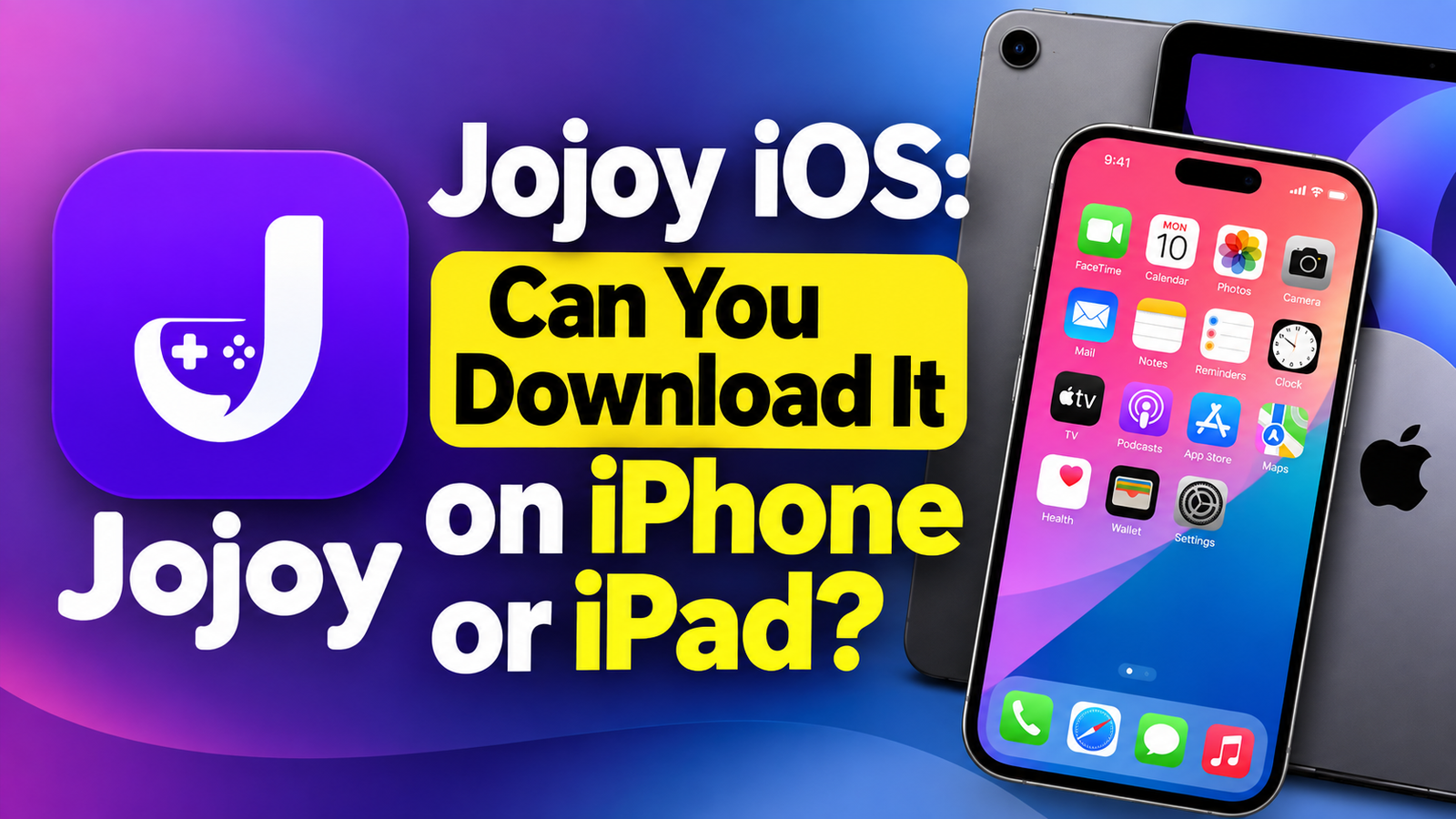
Jojoy iOS is not a verified iPhone download option based on the sources reviewed for this article. The Jojoy-branded app catalogue examined promotes Android games and APK downloads, which do not install directly on iPhones or iPads. A website advertising an “iOS download” needs separate verification; the label alone does not establish compatibility or authenticity.
If you want to play a particular game, the most useful first step is to find out whether its developer offers an iOS version. This guide explains what Jojoy provides, why Android downloads do not work on Apple devices, how alternative app installation differs, and what to check before trusting a download page.
What Is Jojoy?
Jojoy is associated with an Android-focused catalogue of modified apps and games. The Jojoy-branded website reviewed describes its service as an Android mod app store and directs visitors towards APK downloads.
A “mod” is a modified version of an application. Changes can range from altered appearance or gameplay to advertised access to additional features. However, a download page’s description does not independently prove that those changes work, that the original developer approved them, or that the file is safe.
For iPhone owners, the immediate issue is compatibility. Before comparing features or following installation instructions, establish whether the software was actually developed for iOS.
Jojoy iOS at a glance
| Question | Answer |
|---|---|
| Is a verified Jojoy iPhone app established here? | No; the reviewed evidence does not establish one. |
| Can an iPhone directly install a Jojoy APK? | No. APK is an Android application format. |
| Does opening a download website install its apps? | No. Browsing and installing are separate actions. |
| Does an “iOS” button prove compatibility? | No. Check the developer and installation destination. |
| Do alternative marketplaces make APKs compatible? | No. Apps still need to support Apple’s platform. |
| Where should you look for a specific game? | Start with its developer’s website and linked iOS listing. |
Can You Download Jojoy on iOS?
The evidence reviewed does not support presenting a working, authenticated Jojoy iOS installation guide. The available Jojoy-branded catalogue is Android-focused, so claims about an iPhone edition require additional evidence.
This distinction matters because a webpage can advertise compatibility without supplying a genuine application. A logo, screenshot, version number, or large download button is easy to display; none establishes who developed the software.
Before trusting a claimed iPhone release, look for:
- An identifiable developer with consistent contact information.
- An iOS release announcement connected to that developer.
- A traceable App Store listing or another supported distribution route.
- Clear device and operating-system requirements.
- A privacy policy and relevant support documentation.
Treat these as checks to perform, rather than evidence that a Jojoy iOS edition already exists.
Can you open the website in Safari?
Opening a website and running its downloadable software are different things. A page may display correctly on an iPhone while distributing files intended exclusively for another operating system.
Likewise, adding a website shortcut to your Home Screen does not automatically install a native iPhone application. The shortcut’s icon may look like an app, but its appearance does not demonstrate access to the advertised games.
Why Jojoy APK Files Do Not Work on iPhone
Android’s developer documentation identifies APK as Android’s installable, executable application format. An iPhone uses a different operating system and cannot directly install an Android APK as an iOS app.
Think of the download as a package built for a particular platform. Saving that package to another device does not rebuild the software inside it.
Consequently, these actions do not turn an Android download into an iPhone app:
- Renaming an
.apkfile to.ipa. - Downloading it through a different browser.
- Moving it from Downloads to another folder.
- Restarting the iPhone after saving it.
An actual iOS edition requires software built for Apple’s platform and a supported installation method.
What about an APK-to-iOS converter?
Changing a filename or uploading a finished Android package to a website does not establish that a usable iOS application has been created.
If a page promises instant conversion, ask what it actually produces and who maintains the resulting software. Do not assume a progress animation or “conversion complete” message proves compatibility.
For readers who simply want to play a game, finding the developer’s existing iPhone release is usually more productive than trying to convert an unrelated download.
Do Alternative iPhone App Stores Change the Answer?
Apple supports alternative app distribution in certain regions. Its current guidance lists the European Union, Japan, and Brazil, with differences in device support and available distribution methods. Eligibility involves both the Apple Account’s country or region and physical location.
However, access to an alternative marketplace does not make Android applications compatible with iOS. The marketplace must distribute software built for the relevant Apple platform.
Three separate questions therefore matter:
- Does the application have an iOS version?
- Is that version available through an identifiable distributor?
- Is your device eligible to use that distribution method?
Answering the third question does not resolve the first two.
Apple also explains that apps distributed through its alternative distribution framework undergo notarisation, a baseline review. This differs from meeting the full App Store review standards. Availability through an alternative channel should therefore be assessed on its own terms.
How to Assess a Jojoy iOS Download Page
The useful question is not simply whether a page looks professional. It is whether its claims can be checked.
Check where the download leads
Read the destination before proceeding. A claimed iPhone download that produces an Android APK has not supplied an iOS application.
An unfamiliar file described as an iPhone app also needs verification. Its name alone does not establish its developer, contents, or installation requirements.
Be cautious with unrelated “verification” tasks
Stop and reassess if a page requires repeated surveys, unrelated app installations, payment details, or an unexplained subscription before revealing its download.
Such requests do not demonstrate that the advertised software exists. Avoid entering an Apple Account password into an unrelated download page.
Understand configuration profile requests
Configuration profiles can manage device settings. Apple provides a dedicated process for reviewing and removing them; they are not a general-purpose solution to Android app compatibility.
A profile request should have an understandable purpose and an identifiable provider. Instructions that simply say “trust everything” leave essential questions unanswered.
These checks are general precautions for unfamiliar download pages, not proof that every website using the Jojoy name is malicious.
Practical Alternatives for iPhone and iPad Users
Choose an alternative based on what you actually want: a particular game, free entertainment, or access to a developer’s beta.
Find the original game’s iOS release
Search for the game’s developer and follow its own link to the iPhone version. Compare the publisher name, device requirements, purchase details, and support information.
An official iOS release may differ from an advertised Android mod. Check its features before downloading or paying.
Look for a developer-provided browser edition
Some games have versions designed to run in a browser. Where the developer provides one, it may meet your needs without a native installation.
A browser edition is a separate product, however. Its existence does not mean an Android APK can run inside Safari.
Use TestFlight for genuine beta invitations
TestFlight is Apple’s system for testing prerelease applications. Developers can invite testers through email or public links, and individual builds can be tested for up to 90 days. It is not a service for converting Android downloads or unlocking paid games.
Verify that any invitation comes from the developer you intended to follow.
What If You Already Downloaded Something?
Start by identifying what happened.
If you only saved an APK: Saving the file does not mean an iPhone application was installed. You can remove an unwanted download from Files.
If you installed a profile: Open Settings → General → VPN & Device Management and review it. Apple notes that deleting a profile also removes its associated settings, apps, and data. If the device belongs to your employer or school, consult its administrator before removing management settings.
If you installed an unfamiliar app: Check its developer and origin. For supported alternative distribution installations, Apple provides marketplace information within the app’s entry under Settings → Apps.
Avoid downloading additional “repair” tools until you understand the original issue.
Conclusion
The central issue with Jojoy iOS is compatibility and verification. The catalogue reviewed focuses on Android, and an APK download cannot directly become an iPhone application. Before following an installation guide, confirm the developer, platform, and distribution method. If your goal is a particular game, start with the original developer’s iOS release or supported browser version.
You may also read